Search across every document
Ask a question and the assistant looks across the whole procurement — RFP, annexes, and proposals — to answer it.
Put a question in plain language and the assistant searches every uploaded document to answer it. Ask what the bid security is and when it is returned, and it replies with the exact sentence from the RFP and a link to it.
10 free credits with a new account (€60 value). No credit card required.
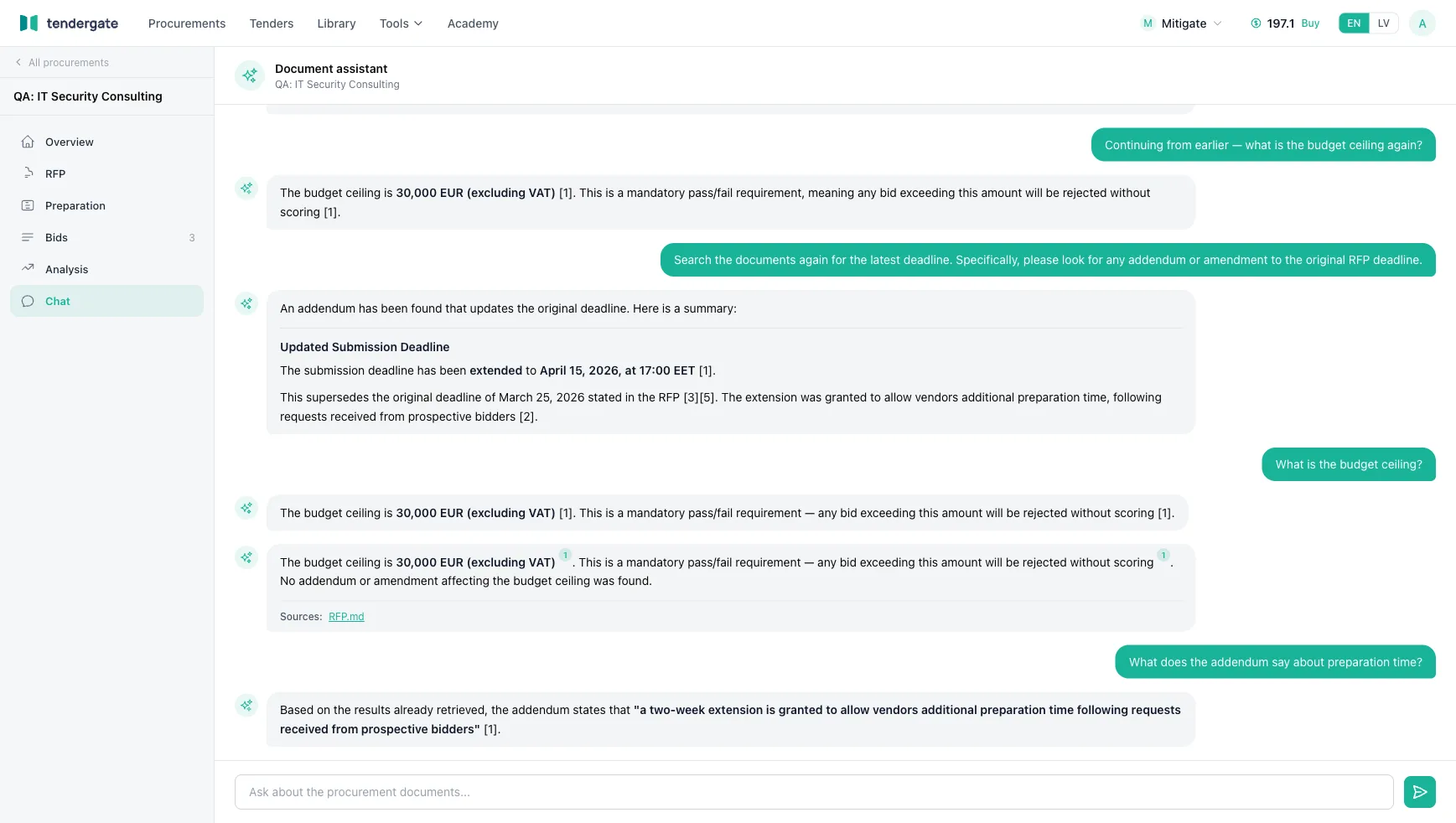
The assistant works over your uploaded documents, so its answers come from your tender and proposals — not from the open internet.
Ask a question and the assistant looks across the whole procurement — RFP, annexes, and proposals — to answer it.
Each answer cites the documents it came from, so you can jump to the source and confirm it.
No query syntax. Ask the way you would ask a colleague who has read everything.
Add the tender and any proposals you want to ask about.
Type your question the way you would ask a colleague.
Read the answer and open the cited source to confirm it.
Upload the procurement, ask in plain language, and follow every answer back to its source.
Try the assistant free